One of the most vital components of running a successful early childhood program is organization. That's true whether you run a home daycare (where I started my career in early childhood education), a center-based program (Samm's background), or a school (we've both worked in school settings in different capacities).
Samm is a very organized person (borderline OCD, if I'm being honest), and I'm much more Type B, so Samm is taking over this blog. She's sharing the organizational systems that made a real difference for the administrative team and teaching staff in her role as director of a large center. I'll chime in with a few tips for home daycare providers that may look a little different.
Here are our suggestions, and scroll down for an organizational resource!
Your office is command central. A cluttered desk often leads to missed emails, misplaced paperwork, and unnecessary stress.
Tips:
- Keep only daily-use items on your desk
- Use labeled or color-coded trays or folders. I organize everything into: To Review, Action Needed, and To File
- Digitize whenever possible to reduce paper clutter
A clean, functional workspace sets the tone for productivity and professionalism.
Proper file organization isn't just helpful, it's essential for licensing, compliance, and confidentiality. (Much of this starts during onboarding, so build the system as you hire.)
For staff files:
- Separate required licensing documents from general paperwork
- Use color-coded folders or tabs for quick identification
- Attach a checklist to the front of each folder so every file has what your state requires
- Regularly audit files to keep documents current, and follow your state's rules on retaining (and disposing of) former staff records
For child files:
- Keep a running spreadsheet of medications and immunizations (review and update quarterly)
- Follow state licensing requirements for student files (these vary, but typically include enrollment forms, emergency contacts, attendance logs, and incident reports)
Whether physical or digital, consistency is key. If someone else had to step in, they should be able to find what they need without confusion.
Tracking professional development hours can quickly become overwhelming without a system.
Tips for staying organized:
- Keep a running spreadsheet or digital tracker for each teacher
- If your state uses physical certificates, require them to be submitted within one week of the training
- For digital copies, create a Google folder for each staff member
- Save certificates in a consistent format for quick reference: year | month | hours | staff name | training name
- If your state has a registry, confirm with staff that the training organization reported the hours (we log all hours in the registry within 48 hours of a live training!)
- Schedule quarterly check-ins, and send a reminder about a month before each license renewal
- If your state requires it (or just for peace of mind), keep a backup binder with a tab for each teacher, current year accessible, prior years archived in staff files
Staying on top of continuing education hours prevents last-minute scrambling and supports your teachers' ongoing growth.
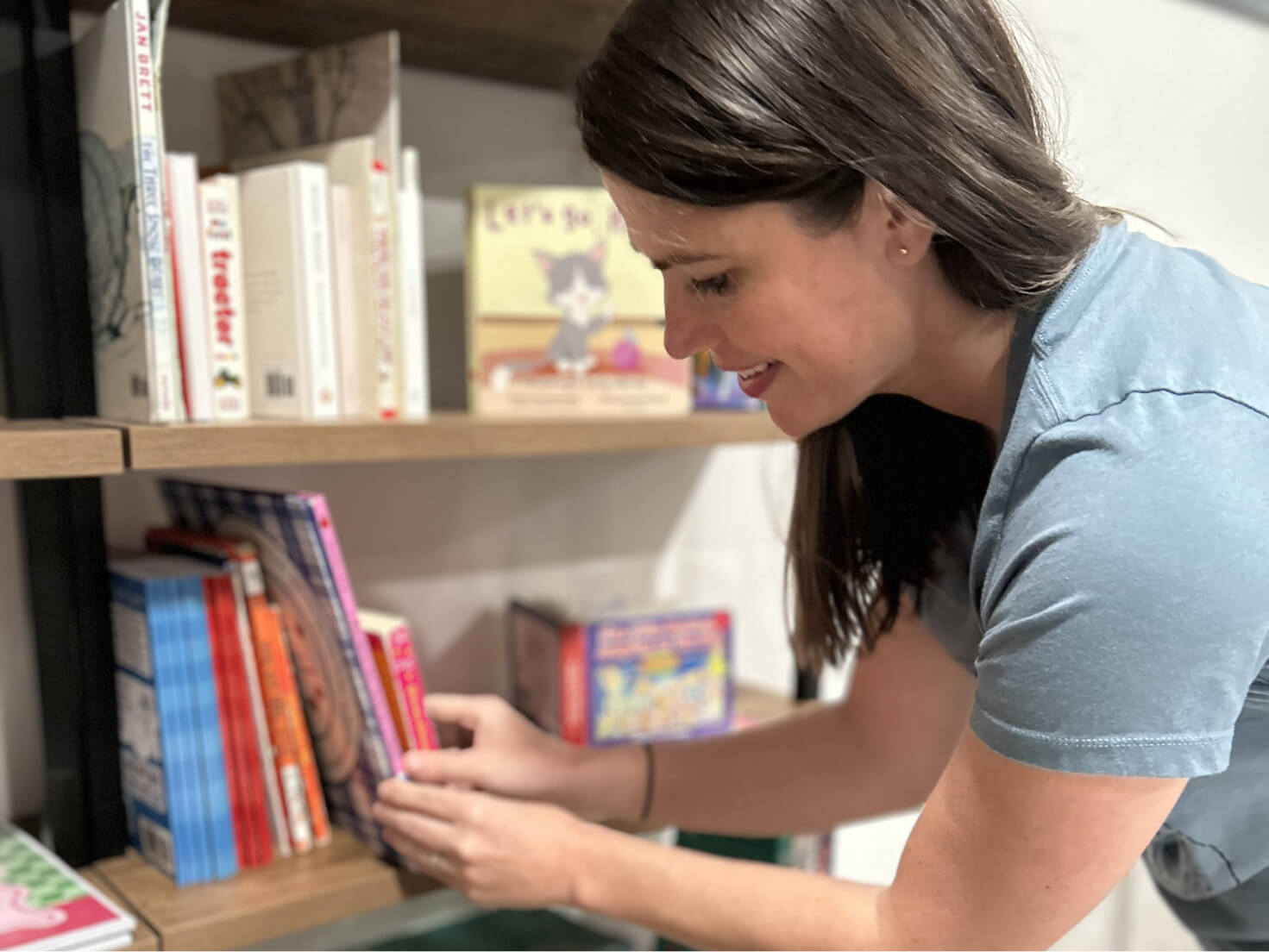
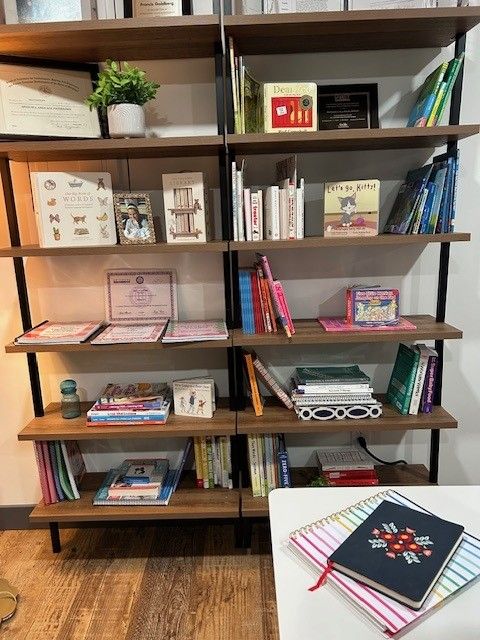
Teacher spaces should be functional, organized, and inspiring, not chaotic storage closets.
Tips:
- Label shelves and bins clearly
- Group materials by age group or theme (yes, themes! If you want to learn more about themes, read this)
- Schedule routine clean-outs and restocks
- Turn broken pieces or incomplete sets into a loose-parts kit children can create with
- Create a simple sign-out system for shared resources, or use a QR code system
Resource rooms are a shared responsibility. When everyone can find what they need, when they need it, these spaces stay organized and useful, and morale goes up.
Digital clutter is just as stressful as physical clutter, sometimes more.
Tips:
- Create standardized folder structures for admin and staff (Microsoft 365 and Google both offer user-friendly formats)
- Use clear naming conventions (date + document name)
- Avoid saving everything to the desktop or downloads folder
- Regularly archive outdated files
- Keep email clean: create folders for important emails, and a folder for each staff member so you can move and reference their messages easily
If you find yourself drowning in paper and spreadsheets, consider a child care management system. The right platform can centralize files, attendance, billing, and family communication in one place, cut down on paper, and keep your records secure and inspection-ready. It's especially worth it as your program grows.
Here's the test of a truly organized program: If you were out unexpectedly, could someone else keep things running? Write your key routines down, opening and closing procedures, how files are organized, how to log CEUs, who to call for what, in a simple procedures binder or shared doc. Documented systems protect your program, make training new staff faster, and mean the whole operation doesn't live in your head.
Organization isn't only about your things, it's about your time. A few habits that help:
- Block your schedule. Set rough blocks for office work, classroom presence, and family time so the day has a rhythm instead of running you.
- Protect a daily admin slot. Even 15–30 minutes a day for paperwork keeps it from piling into an overwhelming mountain.
- Delegate. If you have an administrative team member or assistant director, share the load. Organization isn't a one-person job, and delegating protects you from burnout.
Here's the weekly habit both Samm and I used in child care and still use today:- Reset your desk. Clear everything but the essentials and file any loose paper into its folder.
- Tackle your inbox. Reply to unread emails and move them to the right folders. Check your spam folder, lately, things I actually needed have been landing there! Flag anything you're waiting to address so it doesn't get lost.
- Review and update your calendar.
- Make a priority list. Write down anything pending, then number each item top to bottom in the order you'll tackle it.
Organization isn't about being perfect, it's about creating systems that support your team and your program. When your environment is organized, your mind is clearer, communication improves, and everyone benefits.
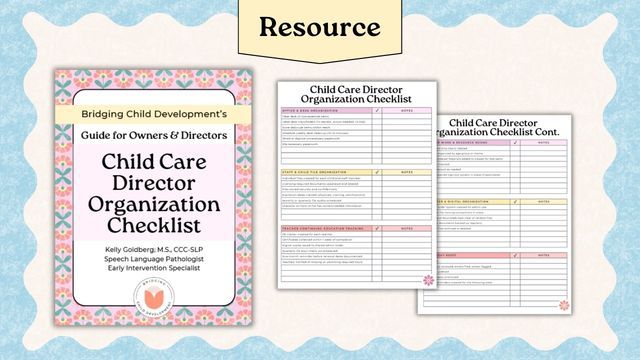
To help you get started, we created a Child Care Director Organization Checklist. Print it, slip it into a clear page protector, and check off each area weekly with a dry-erase marker (then wipe clean and start again).
Our advice: Choose one area to organize this month, pair it with your Friday Reset, and commit to maintaining that new routine before moving on to the next. You can do it!
Separate required licensing documents from general paperwork, color-code folders, and attach a checklist to the front of each file so nothing's missing. Audit regularly to keep documents current, and follow your state's rules for how long to retain (and when to dispose of) records. The goal is to be inspection-ready at any time.
Use a running spreadsheet or digital tracker per teacher, save certificates with a consistent naming format (year, month, hours, name, training), and do quarterly check-ins with a reminder about a month before renewal. If your state has a registry, confirm hours were reported there.
It can be a big help. A management system centralizes files, attendance, billing, and family communication, reduces paper, and keeps records secure and inspection-ready, especially valuable as your enrollment and team grow.
Lean on routines and other people. Block your schedule, protect a short daily admin window, delegate to your team, and document your systems so the program doesn't depend on you being there every minute.